iPhone 18 Pro 'Panic-Full' Issue Caused by Face ID... Apple Rolls Out Emergency Patch 10 Days After Launch
- Input
- 2026-09-29 09:17:37
- Updated
- 2026-09-29 09:17:37
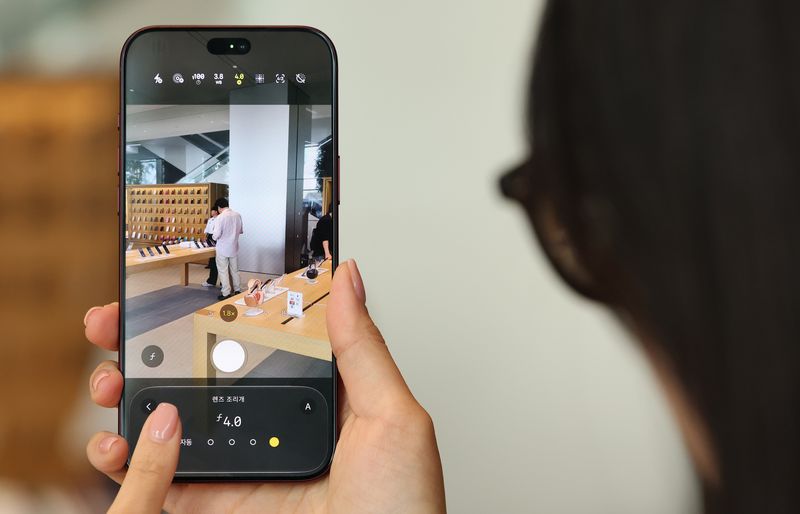
According to industry sources on the 29th, Apple rolled out iOS 27.0.1 in South Korea early that morning. In the update notes, Apple stated, "Fixed an issue that could cause the iPhone 18 Pro and iPhone 18 Pro Max to unexpectedly restart if Face ID authentication failed."
Reports emerged soon after the iPhone 18 Pro series was released in South Korea on the 18th, with users saying that the screen froze during use or that the device suddenly restarted. Posts on online communities in South Korea and abroad described devices restarting after repeated Face ID authentication failures while users attempted to access protected items in financial or photo apps. The phenomenon came to be known as 'panic-full' after a system error record bearing that name appeared in device analytics data.
Several possible causes of the restarts were proposed at the time, but the latest update confirmed that Face ID authentication failures were responsible for some incidents. Apple acknowledged and fixed the issue users had previously reported: devices restarting after Face ID authentication failed.
Foreign media outlets also described the update as a measure to address rebooting problems affecting the iPhone 18 Pro series. IT outlet 9to5Mac reported, "Some iPhone 18 Pro and Pro Max users experienced an issue in which apps crashed because Face ID failed to authenticate properly," adding, "Apple promised to release a fix this week and resolved the issue through iOS 27.0.1."
It may take some time to determine whether the update has resolved all of the 'panic-full' incidents reported so far. Apple specifically said it had fixed unexpected restarts related to Face ID authentication failures. It has not yet been confirmed whether restarts occurring in other circumstances had the same cause.
The update also addresses an issue in which photos taken at 2x magnification under certain lighting conditions showed abnormal colors on some iPhone 18 Pro series devices. It fixes another problem that could cause the touchscreen to become unresponsive when Notification Center and Control Center were opened simultaneously. The update can be installed by going to Settings → General → Software Update on the iPhone.
[email protected] Yoon Hong-jip Reporter